
The 45-Minute Planning Session
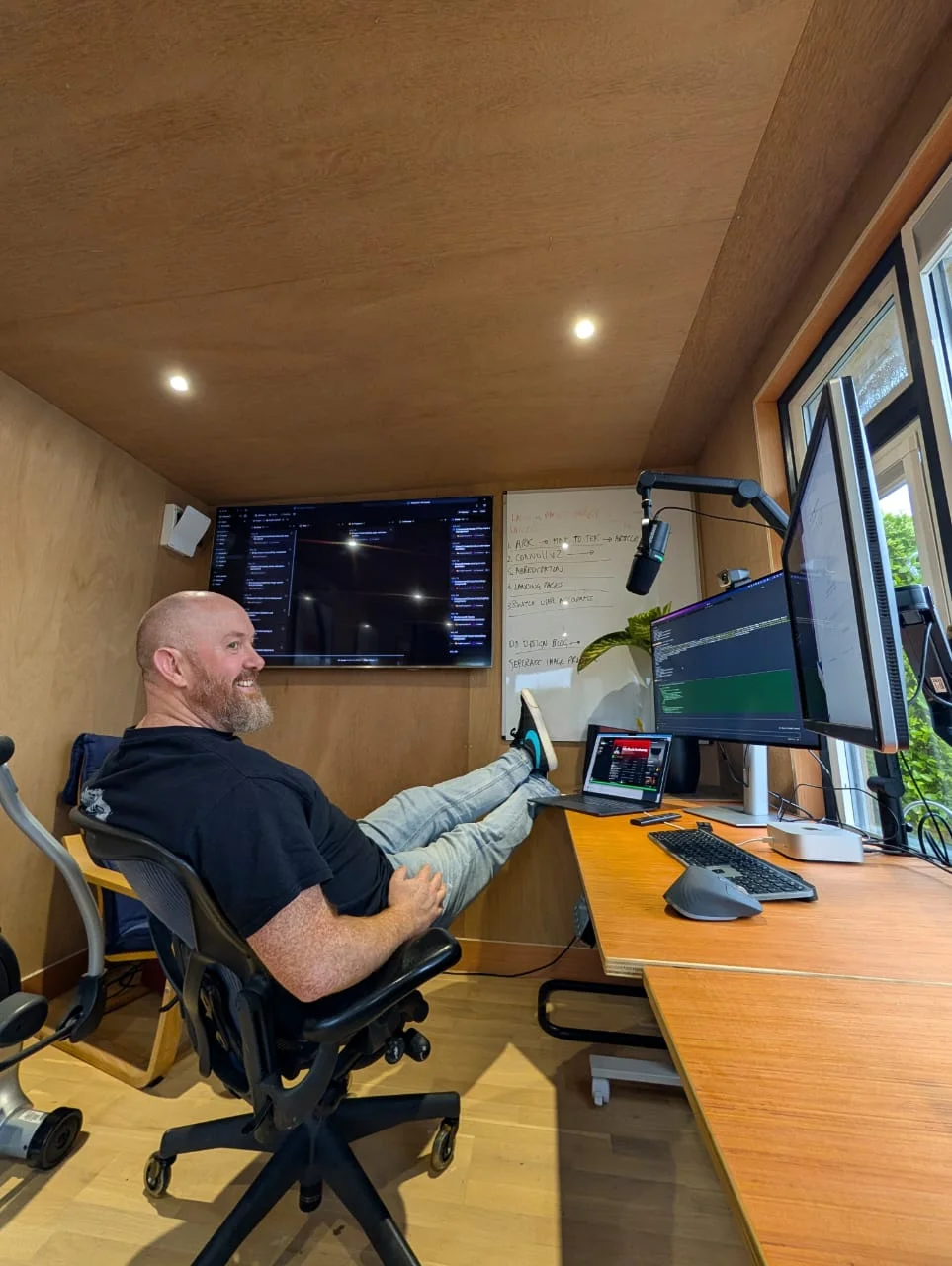
Before writing a single line of code, I spent 45 minutes talking to Droid about what I wanted to build.
This wasn't rocket science. It was just a conversation - me explaining the app I had in mind, answering questions, and thinking out loud. I already knew the tech stack (I use it all the time), and I had a very clear idea of how simple I wanted the UX to be: upload images, get a style prompt, copy it. That's it.
Speaking to a droid sounds like something from a sci-fi movie, but in reality, it's just a conversation.
The agent asked clarifying questions, I gave answers, and it synthesized everything into structured documents. No special prompting techniques. No frameworks. Just talking about what I wanted to build like I would with a colleague.
That conversation produced 5 planning documents totaling over 2,100 lines:
Planning Documents
The Prompt That Created 25 Tickets
With those 5 documents ready, I fed them all into a single prompt:
[5 file paths] These files outline the project that I want to create.
Please go through them and create linear tickets for the entire project.
I'm going to be using Linear to manage what I'm doing.
Please set up a new project inside Linear called "ImgPrompter11".
I want you to be fastidious in your approach of creating the tickets.
The agent read all 2,100+ lines, understood the full picture, and generated 25 detailed tickets with acceptance criteria, code examples, and proper dependencies.
I then asked for a quality check:
Can you do one last review of the tickets produced and see if your
boss would be happy with that?
After reviewing the changes, I pushed back for another iteration:
Now you've made these ticket changes to Linear. Could you review
them and make sure that your boss will be happy with what you've just
changed, and that everything makes sense as a group of tickets?
This is the "magic" that made 70 minutes possible - the upfront thinking was already done, and it was captured in documents that the agent could consume in seconds.
What We Built
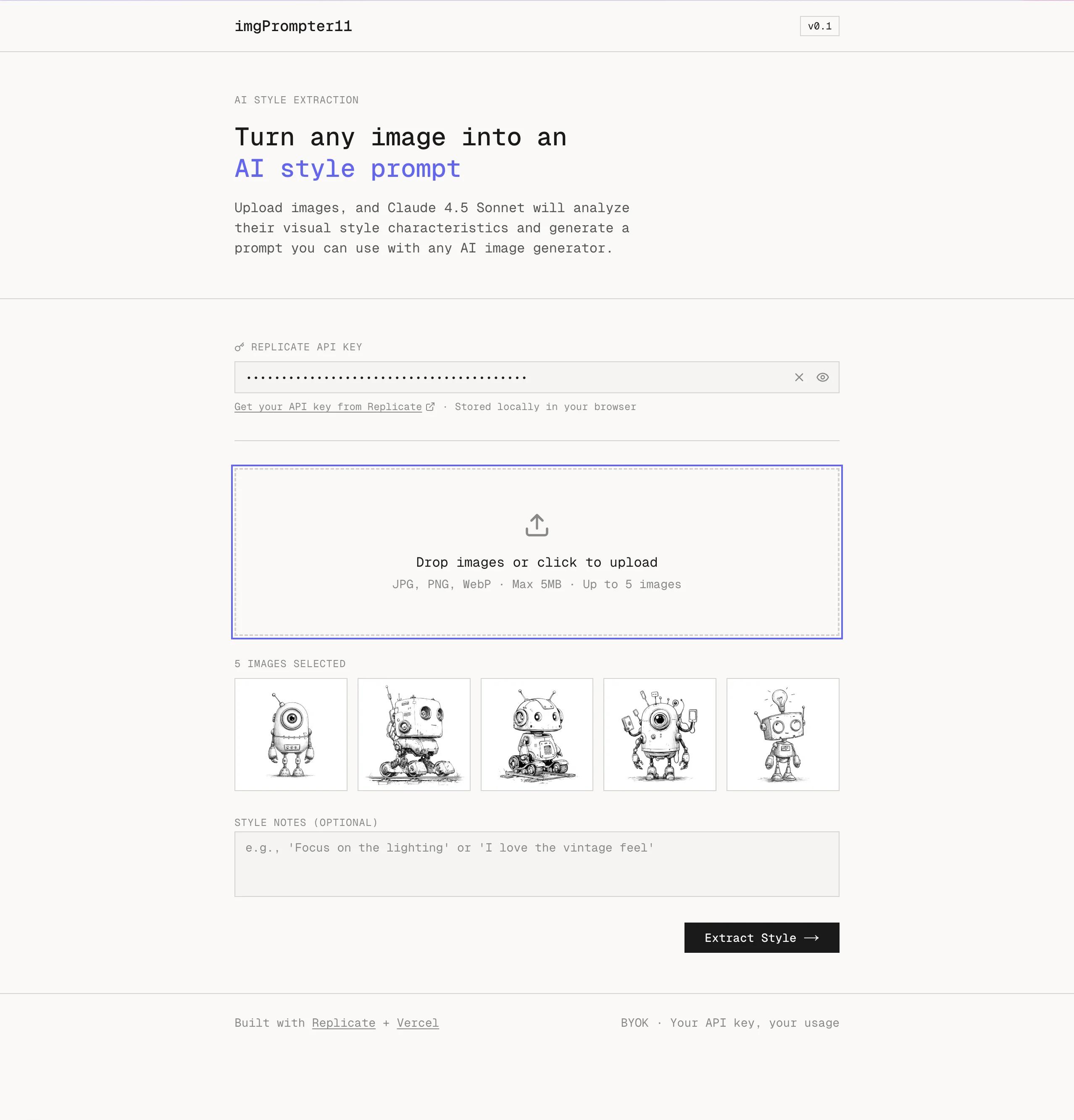
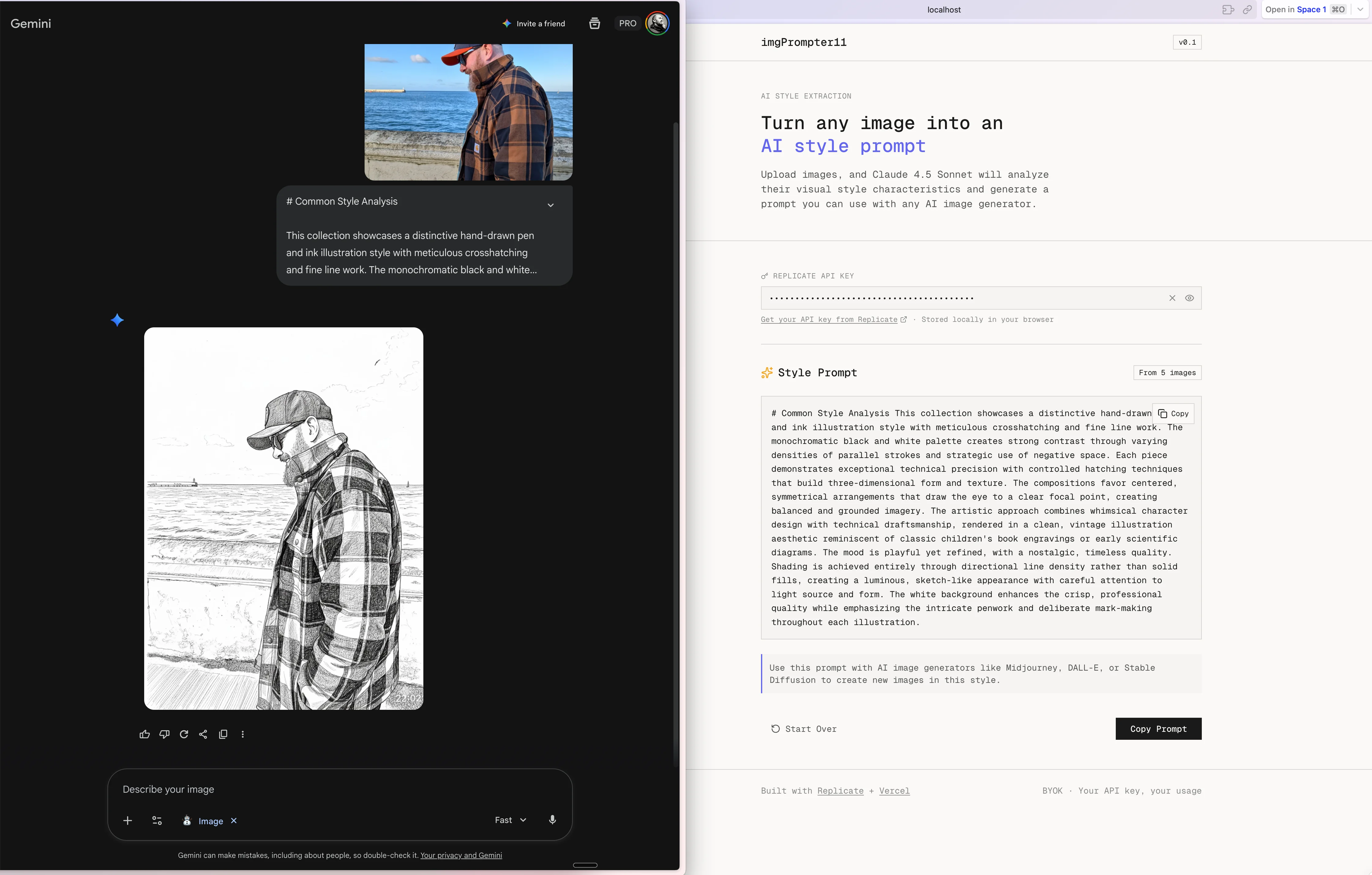
imgPrompter11 is an AI-powered tool that extracts style prompts from images. Upload reference images, and Claude 4.5 Sonnet analyzes them to generate prompts for Midjourney, DALL-E, or Stable Diffusion.
It uses a BYOK (Bring Your Own Key) model - users provide their own Replicate API key.
Using it
The Stats That Blew My Mind
The Prompts I Used
Here are the actual prompts I gave the AI agent during this build session:
Starting the Build:
Okay, let's start the project then. Let's start building. Where do we start?Keeping Linear Updated:
Could you update the linear board as you do this?Completing All Work:
Let's finish all the tickets please.Setting Up Infrastructure:
Also, I think we need to set up a GitHub repo to commit this to and connect\nthat to Vercel. Can you create the GitHub repo for me and name it the same\nas the project?Handling Bugs (Real-time): When I hit a Vercel Blob error, I simply pasted the error message. The agent created a Linear ticket (VOL-84), explained the fix, and I provided my token.
Feature Request Mid-Session: I noticed the output needed usage instructions. The agent spec'd the feature, I approved it, and VOL-85 was implemented and shipped.
Stealing Styles from Another Project
Before building, I grabbed the design system from another project with one prompt:
please grab all the styles used in tailwind i want use it as a starter for another productThe agent found my globals.css, extracted all the CSS variables, and explained what I was getting: Zero border-radius design (all --radius set to 0), monospace typography throughout, warm neutral color palette with gold and indigo accents, and a 24px-based spacing system.
This became the foundation for imgPrompter11's visual identity - no design work needed, just reuse.
Technology Stack
The 27 Linear Tickets
Setup (5 tickets): VOL-59 Initialize project, VOL-60 Configure Tailwind CSS 4.x, VOL-61 Install shadcn/ui, VOL-72 Create root layout, VOL-81 Create lib/utils.ts
Backend (5 tickets): VOL-62 Image upload API, VOL-63 Style extraction API, VOL-64 uploadImage utility, VOL-65 Claude style extraction service, VOL-66 styleExtractionClient utility
UI Components (6 tickets): VOL-67 UploadStep, VOL-68 StyleExtractorWizard, VOL-69 AnalyzingStep, VOL-71 ResultStep, VOL-82 Drag-and-drop upload, VOL-83 API Key input
Pages (1 ticket): VOL-70 Landing page with hero section
Quality & Polish (8 tickets): VOL-73 Error handling, VOL-74 Mobile responsive, VOL-75 E2E testing, VOL-76 Input validation, VOL-78 Image optimization, VOL-79 Loading states, VOL-80 Accessibility, VOL-77 Vercel deployment
Bugs & Features (2 tickets - created during build): VOL-84 Vercel Blob token bug, VOL-85 Add usage instructions to output
Key Takeaways
The BYOK Architecture
User Browser                    Server                      Replicate
     |                            |                            |
     |  1. Enter API key          |                            |
     |  (stored in localStorage)  |                            |
     |                            |                            |
     |  2. Upload images -------->  Store in Vercel Blob      |
     |                            |                            |
     |  3. Extract style -------->  Pass user's API key ------>
     |     (includes API key)     |  (never stored)            |
     |                            |                            |
     |  <------------------------- Style prompt <--------------
     |                            |                            |
Why this matters: Zero API costs for me (users pay Replicate directly), no API key storage liability, users can see their own usage in Replicate dashboard, and if a key is compromised only that user is affected.
Conclusion
This wasn't a demo or a toy project. This is a production application with real error handling, mobile responsive design, accessibility compliance, security best practices, and CI/CD via Vercel.
All built in 70 minutes by describing what I wanted and letting an AI agent do the work.
The future of software development isn't about writing less code. It's about describing intent and letting AI handle the implementation details.
Built with Factory AI (Droid) + Linear + Vercel